
Quick Launches tend to get long depending on the business requirements. In SharePoint 2013, the headings aren’t quite as nice as they were in previous versions in my opinion.
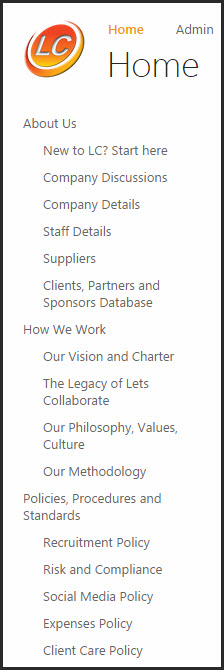 So break them up by adding fake headers. 🙂
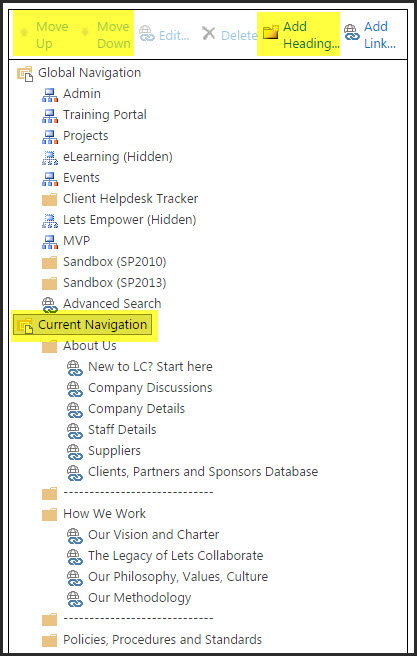
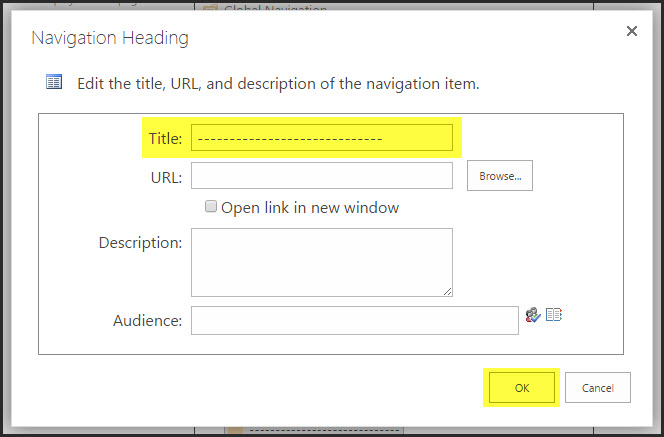
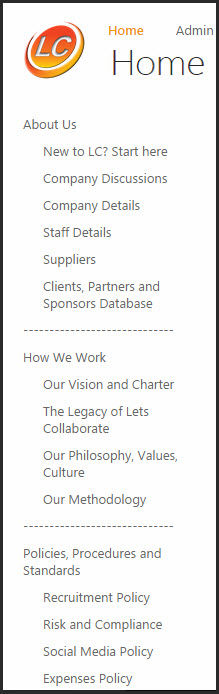 Go to Site Actions – Site Settings – Navigation – Current Navigation – Add a Heading. Type in whatever characters you want as a line divider, then move them up and down as required.
 PS : If you don’t have the Navigation option in Site Settings, you either have a Foundation version of SharePoint, or Publishing Features need to be activated on the site collection first.
 Views from Veronique
Only a pleasure!! 🙂
LikeLike
That’s pretty cool – and so simple! Gonna try that on a couple of the sites I manage.
Thanks, V!
LikeLiked by 1 person