
So after some more testing on the new forms for Lists we posted about earlier, we discovered the following :
If your Site Members group has Contribute rights, your list is safe.
If your Site Members group has Edit rights, your list is at huge risk.

Generally the rule is that :
- Site Owners have rights to create lists and libraries, change look and feel and change permissions.
- Site Members have rights to upload, edit and delete documents, pages and list items.
- Site Visitors can read and download.
But this all changed a few versions of SharePoint ago when Microsoft changed the default Site Member rights from Contribute to Edit.
With edit rights as the default permission level in your Site Members group, your Site Members are able to :
- create a form for the list.
- create columns in the list.
- edit other people’s forms.
The form does not take into account any Customised Forms or Power Apps on the list – they run in parallel.
Essentially what that means, is that you as a Site Owner, create an advanced Customised Form with Power Automate behind it :
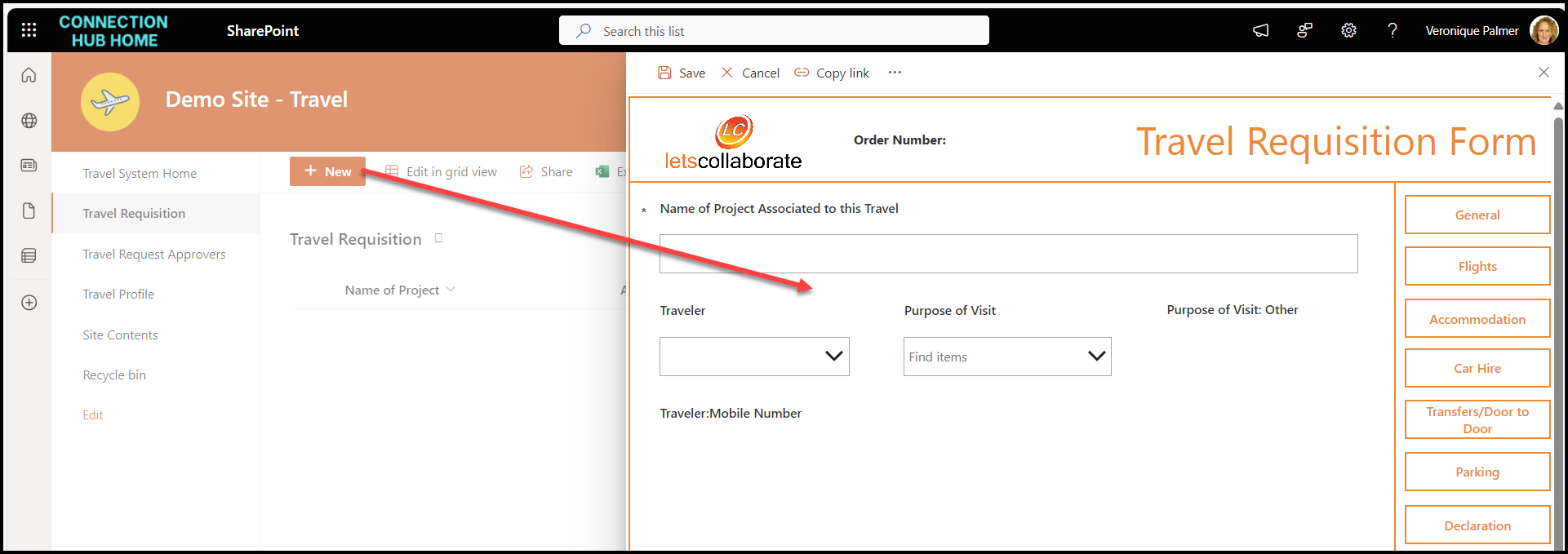
Any Site Member with edit rights can come along and create their own form, create their own columns, and share it with anyone they want to, effectively overriding any governance or intelligence you have built in.

Here, Ava has created two forms and edited a Site Owner’s form.
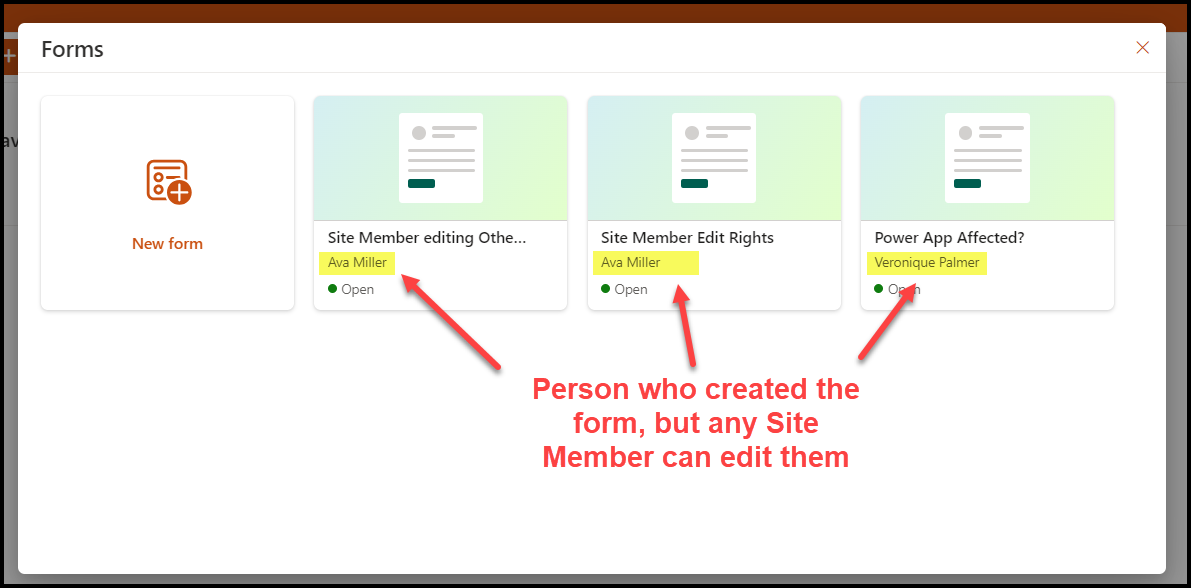
She created her own randoms columns to the form.
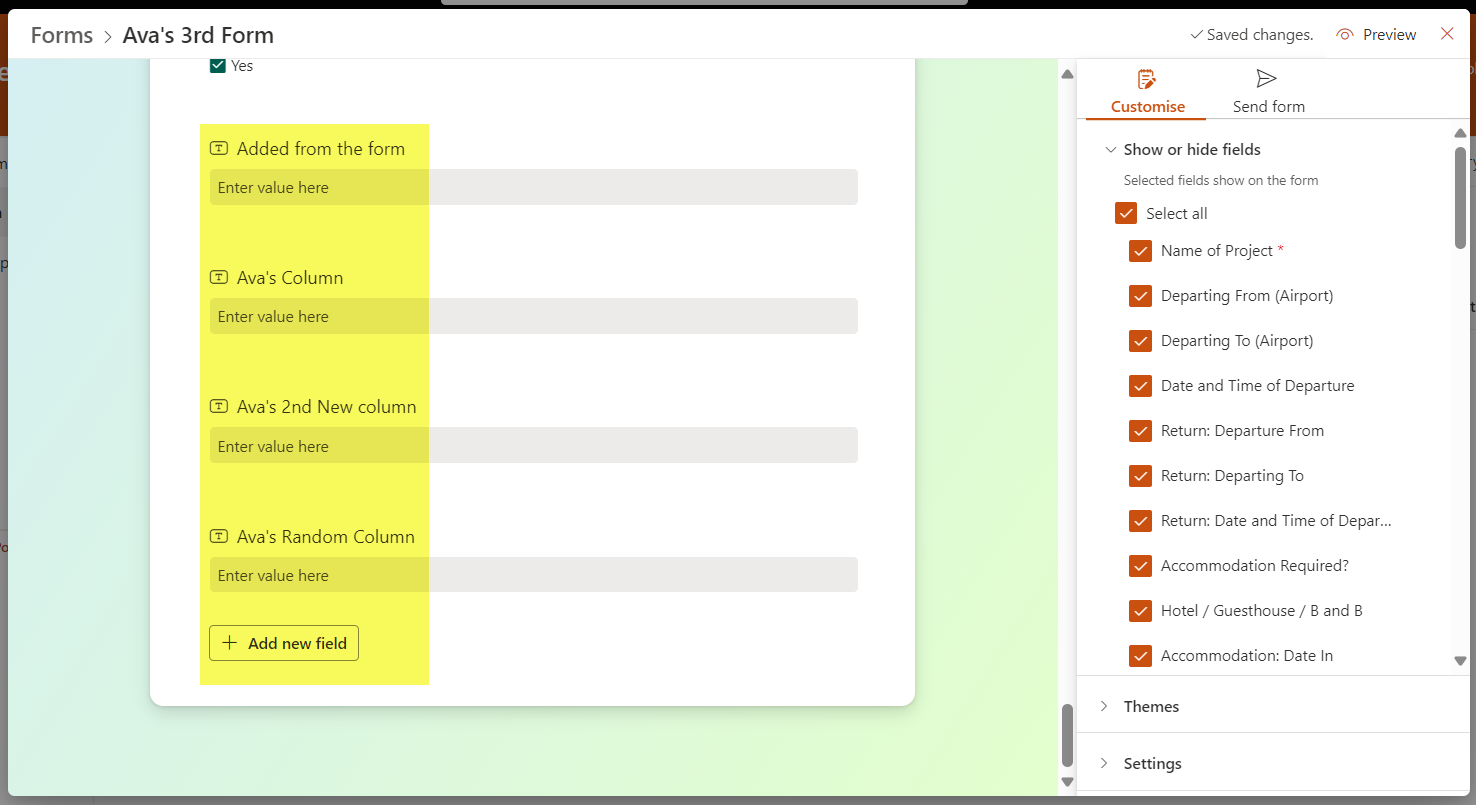
The Site Owner is not notified.
There is no way to track this unless you manually go into the Forms option and see what has been done.
The first you would really know, is if people start capturing information and you have an alert for new items to track what is going on.
And so as more and more people figure out that they can create what they want, you’ll get multiple list forms, adding whatever columns they want, and sharing it with anyone in the business.

AND THEN, as if this isn’t bad enough, the permissions on the list get broken into unique permissions when a new form is created.

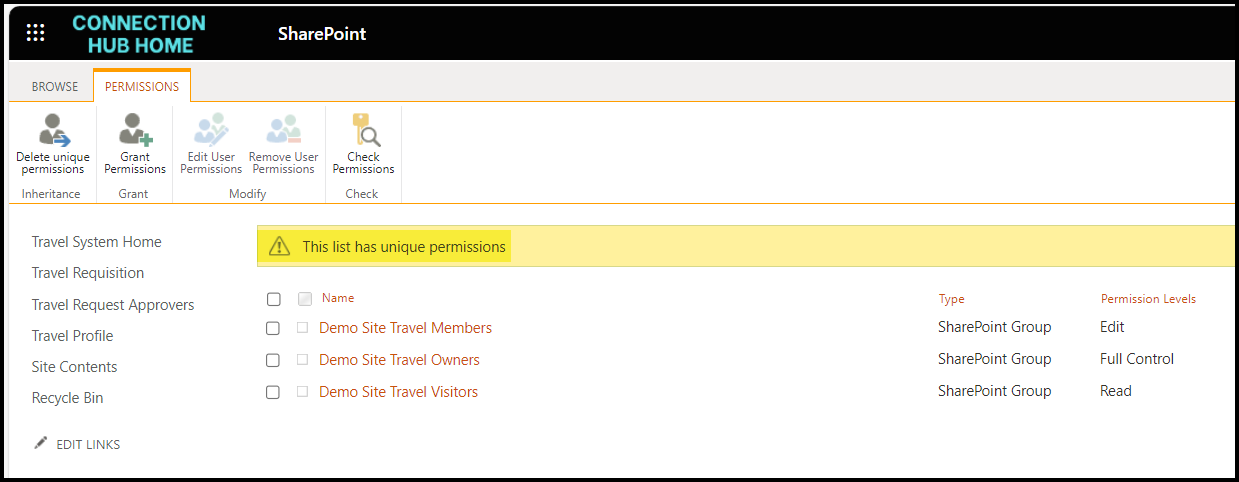
All we can recommend, is to ensure you change your Site Members’ default permission level to Contribute to avoid this.
As for the rest, Microsoft needs to explain it to us.
 Views from Veronique
[…] It doesn’t sound like a big deal till you read the item level permission. Site Members will be allowed to make structural changes. That is the roll of the Site Owner, not the Site Member. Members are only supposed to be allowed to upload, edit and delete ITEMS, not the actual lists. See case in point here. […]
LikeLike
[…] It doesn’t sound like a big deal till you read the item level permission. Site Members will be allowed to make structural changes. That is the roll of the Site Owner, not the Site Member. Members are only supposed to be allowed to upload, edit and delete ITEMS, not the actual lists. See case in point here. […]
LikeLike