
Canva is the world’s best design tool as far as I am concerned. I discovered during their keynote yesterday, that it works with SharePoint and Teams! Who knew! So I tried it on SharePoint.
Easy steps : You create your designs. Add the SharePoint app. Choose the site, library and folder, and export. Simple as that.

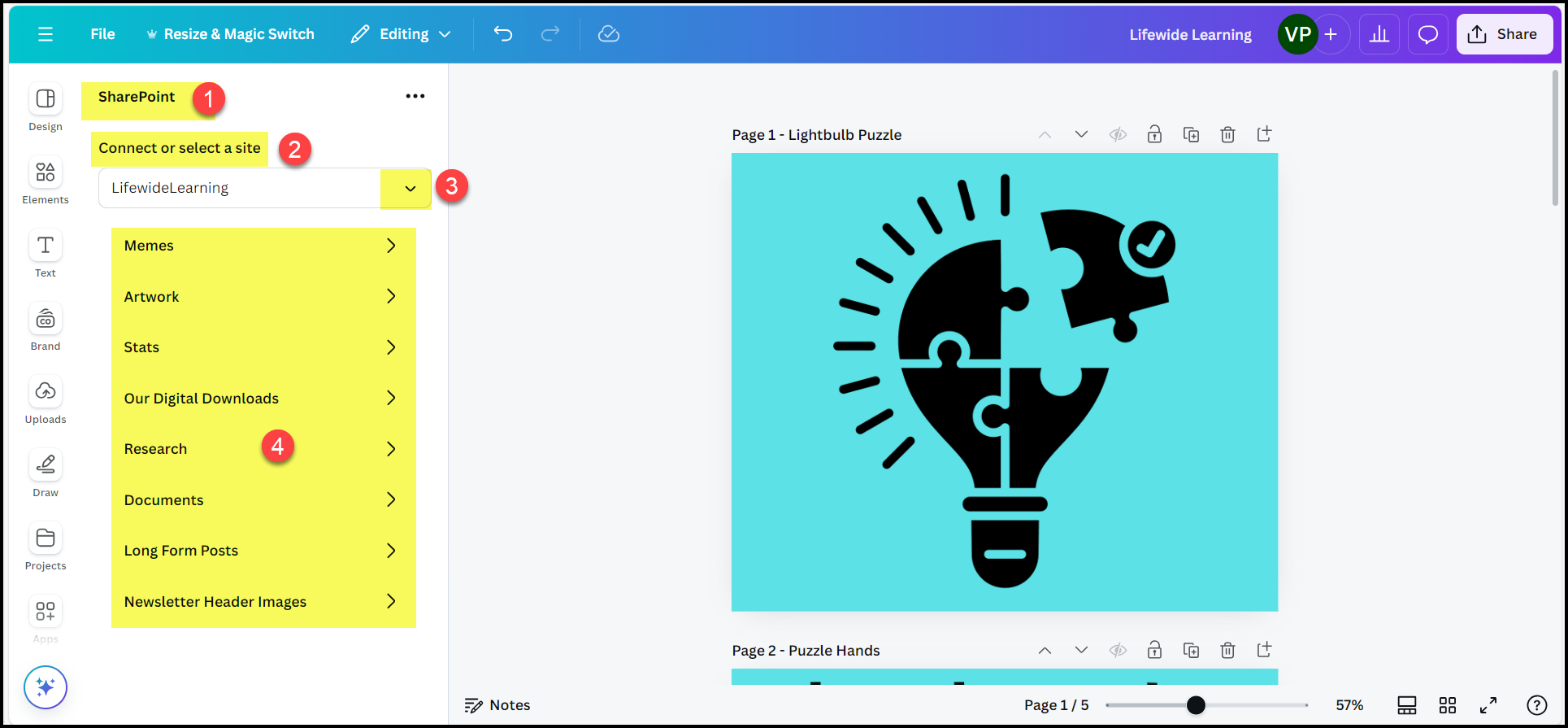
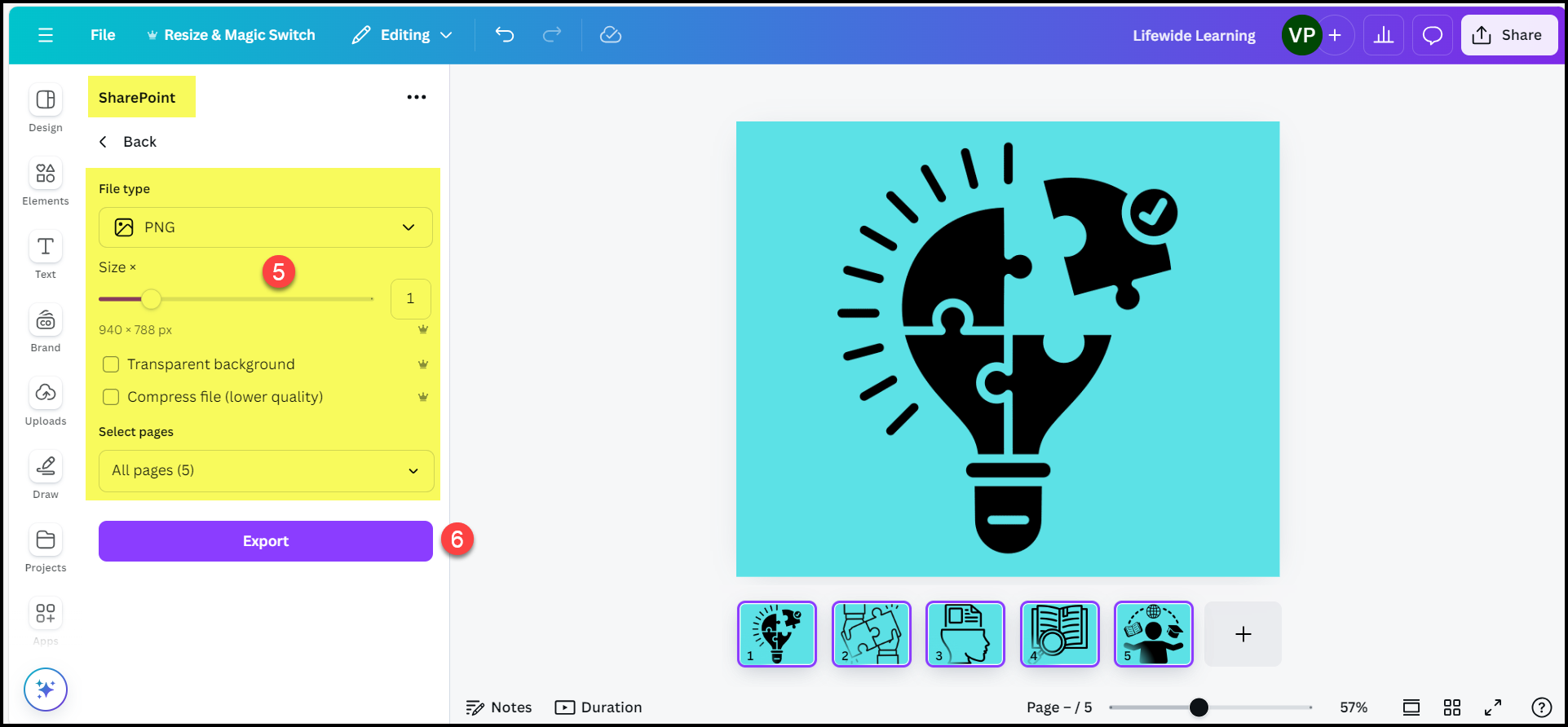
Choose the images and format you want and export.
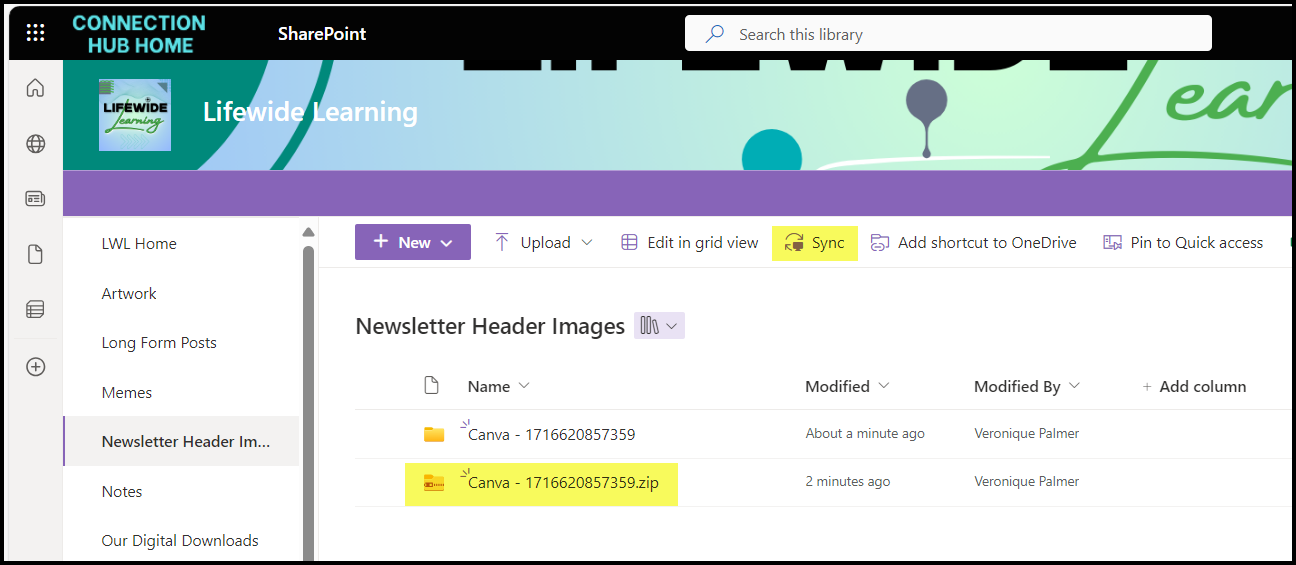
If you choose more than one image, it comes out as zip file. You can’t extract the zip file directly in SharePoint, so sync the library and do it in Windows Explorer. Move the files out of the folders and delete the folders.
Name your images properly in Canva so they are instantly easy to identify in SharePoint.

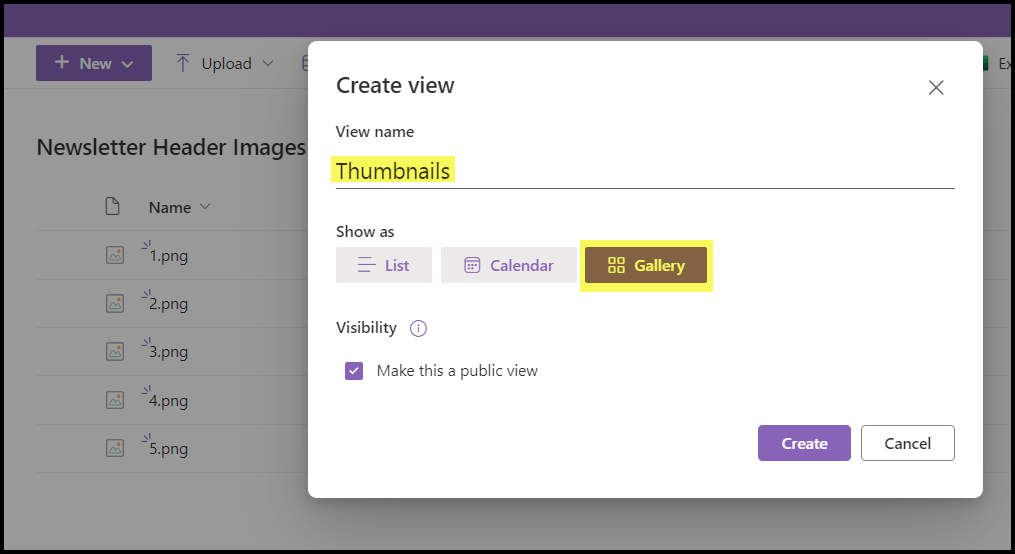
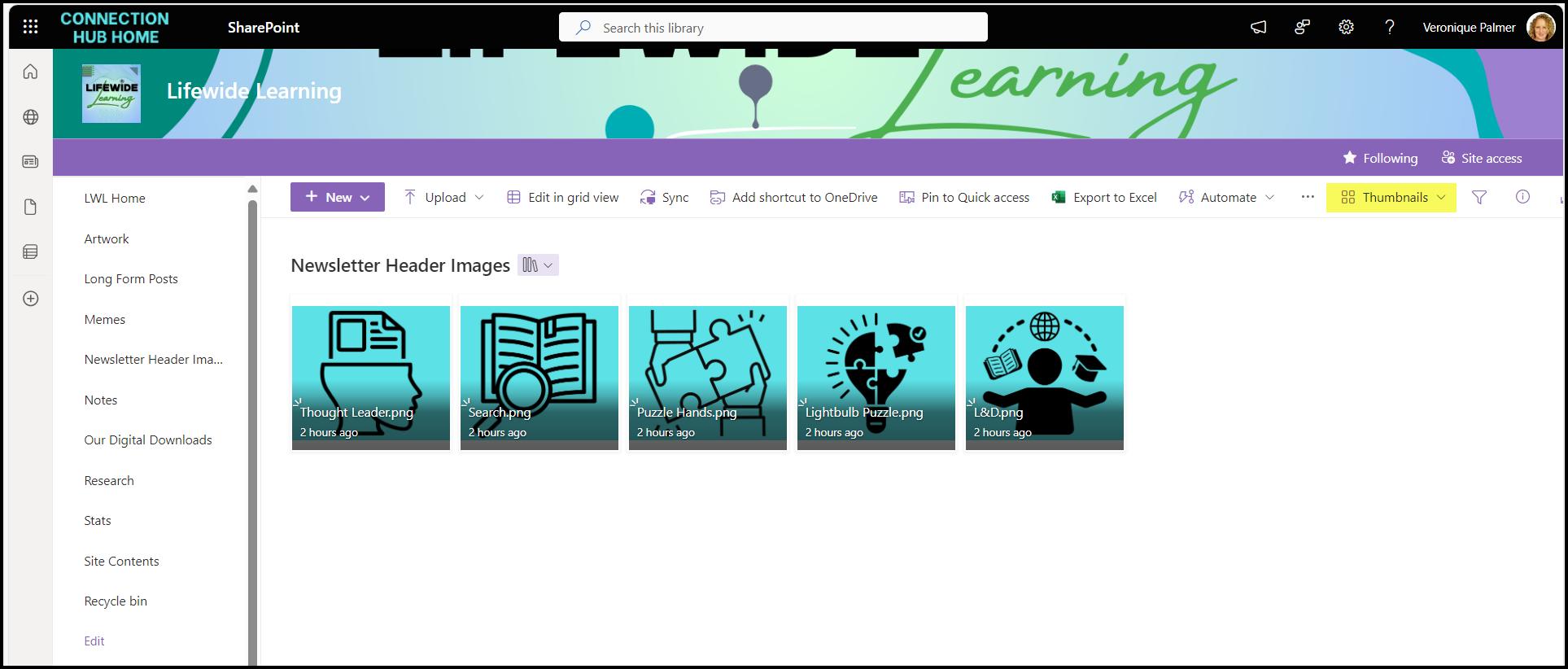
Create a ‘thumbnails’ view and make it the default to easily see the assets in SharePoint.
And you’re done. Tell people they are there.
So now you can design all your artwork, presentations, letterheads, learning material, videos, etc in Canva and store them directly into the newly launched Brand Centre for the whole company to use! I love it! ❤

#TryThis
 Views from Veronique