
You can collaborate with people outside of your company by sending them invitations to your site. External sharing has to be switched on at Admin Centre level for this to work. There are additional settings you can configure after the ‘master switch’ is on.

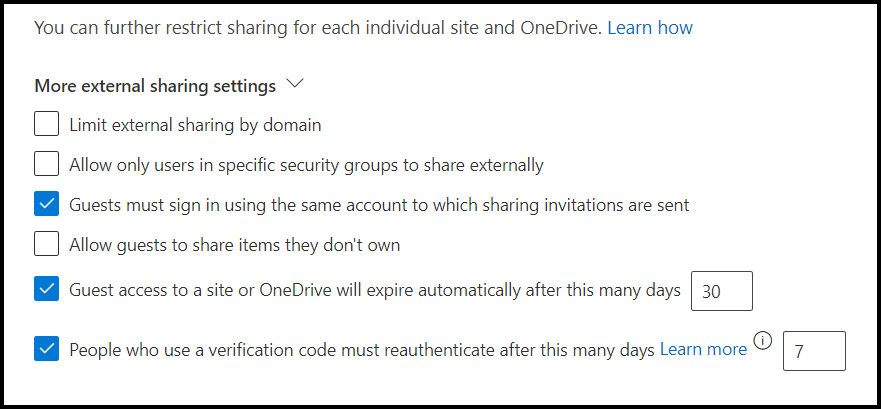

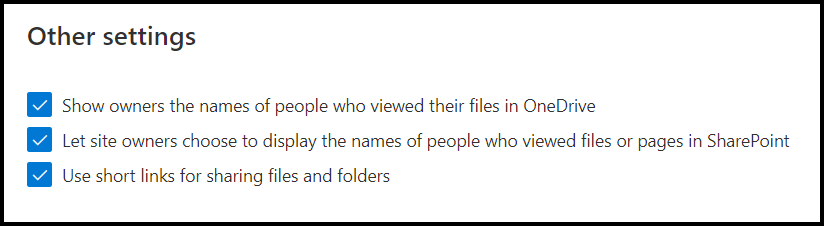
Once on, each site collection can then be shared to the maximum setting indicated above. Any new site collections will inherit the master settings activated.
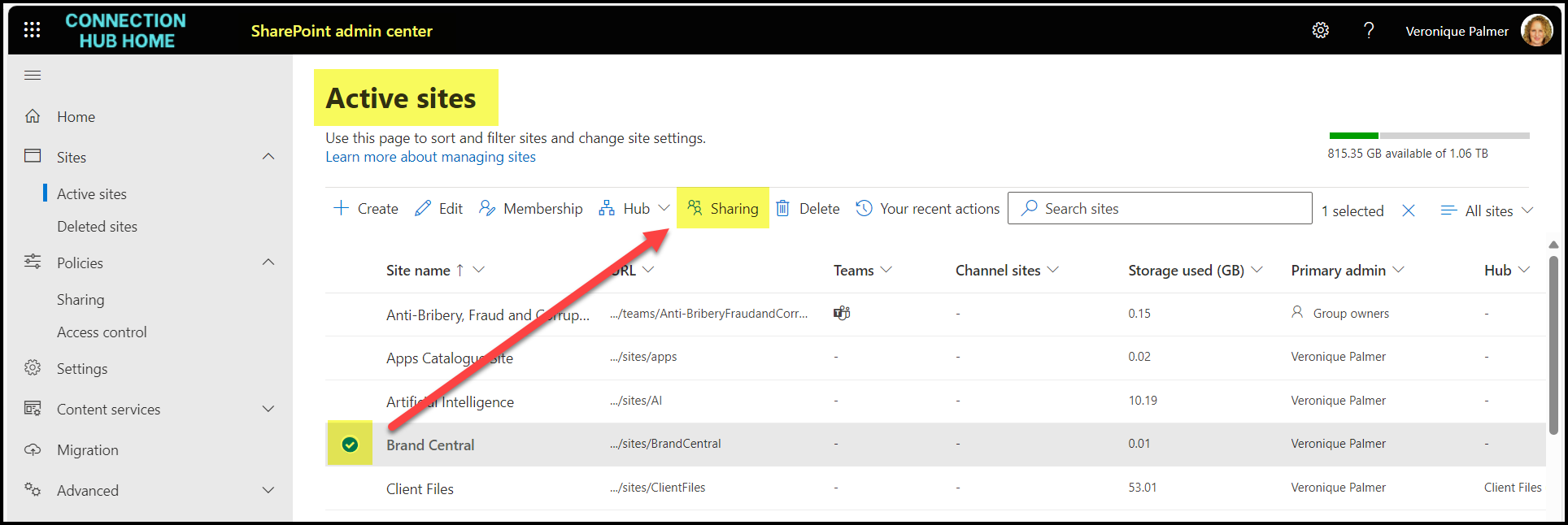
There is a column in Active Sites that shows you which sites are externally available.

You can add users to a SharePoint site from the permissions groups.
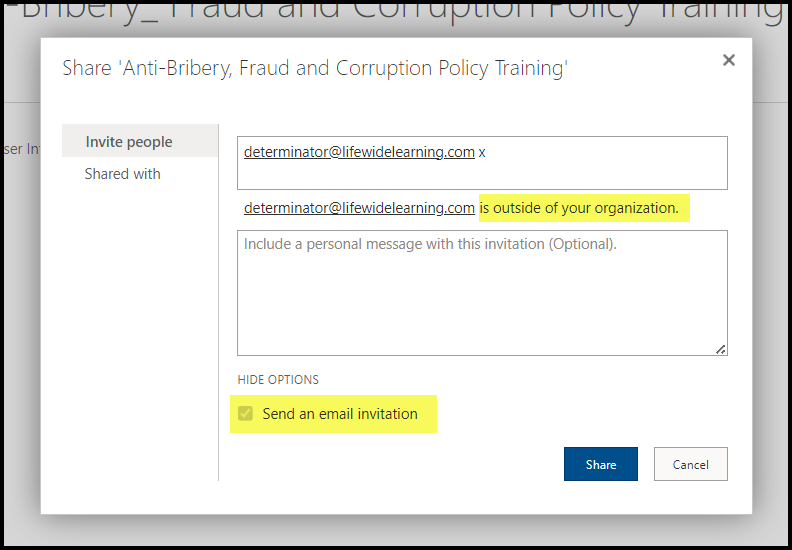
Or from Teams by Adding a Member.

This is actually a very big subject and will require far more blogs to cover. These are just the very basics.
 Views from Veronique