
Web parts are things you use to make your site look pretty and share information. When you edit your pages or news posts, you can create sections with columns. Inside each column, you can add web parts.

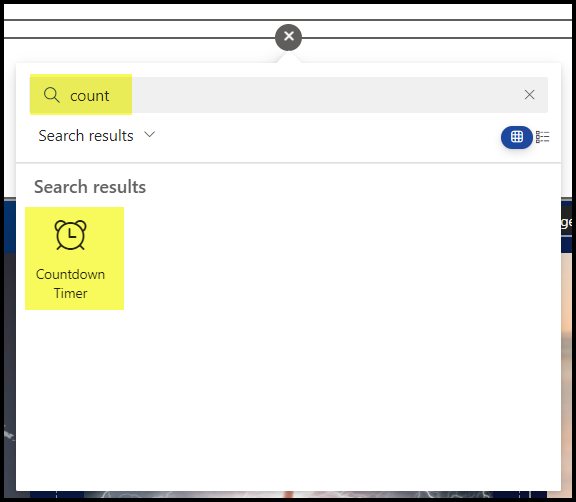
You can scroll through the list of web parts, or type in the search box once you get to know their names.
Each web part has its own menu options.
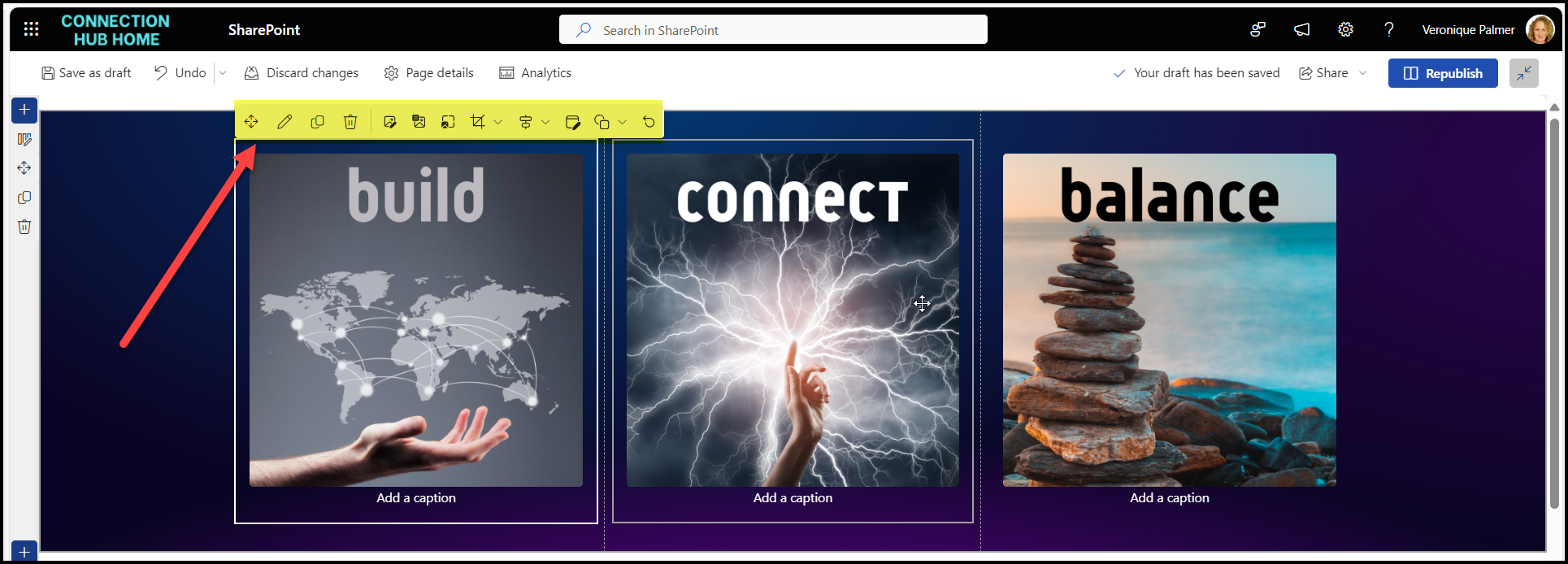
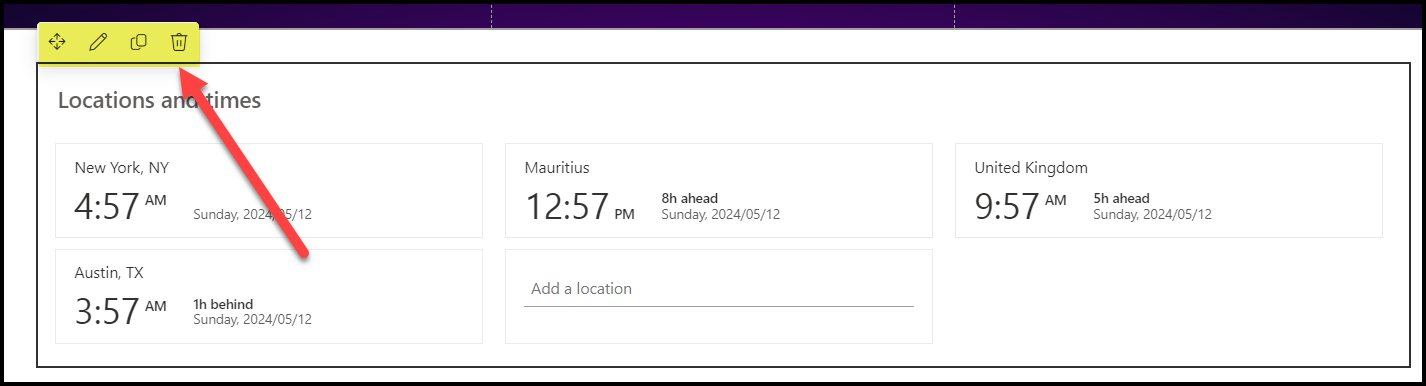
The edit icon will bring up the extended editing pane on the right-hand side for you to configure as needed.

HOT TIP
If you’re looking for inspiration on what’s possible with web parts, check out the SharePoint Lookbook. Each design has a list of web parts used and their settings. It’s a great way to learn the web parts and see what they can look like. Make one of each on your own site to get the hang of things.

 Views from Veronique
[…] you edit your page to put in web parts, you need to first choose the zones / columns you […]
LikeLike
[…] you edit your page to put in web parts, you need to first choose the zones / columns you […]
LikeLike