
This is your account that you sign into Microsoft 365 with. It’s your email address, name, surname, job title, department, contact numbers. You can also add additional info like past projects and skills. It’s like a mini LinkedIn profile inside your own company. You can edit some details yourself, some need to be updated in Active Directory.
You can update your profile from Delve.
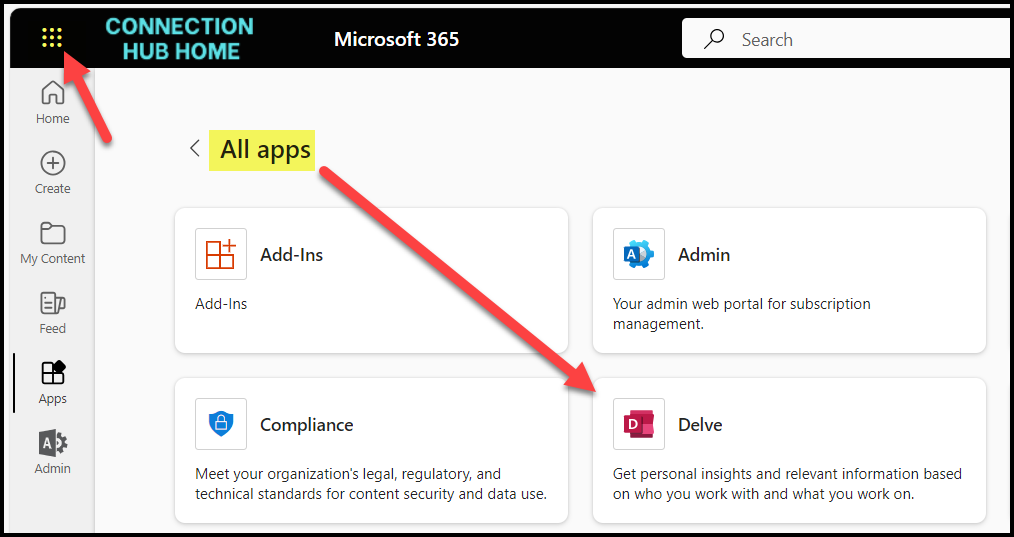
Click Update Profile to update the details.

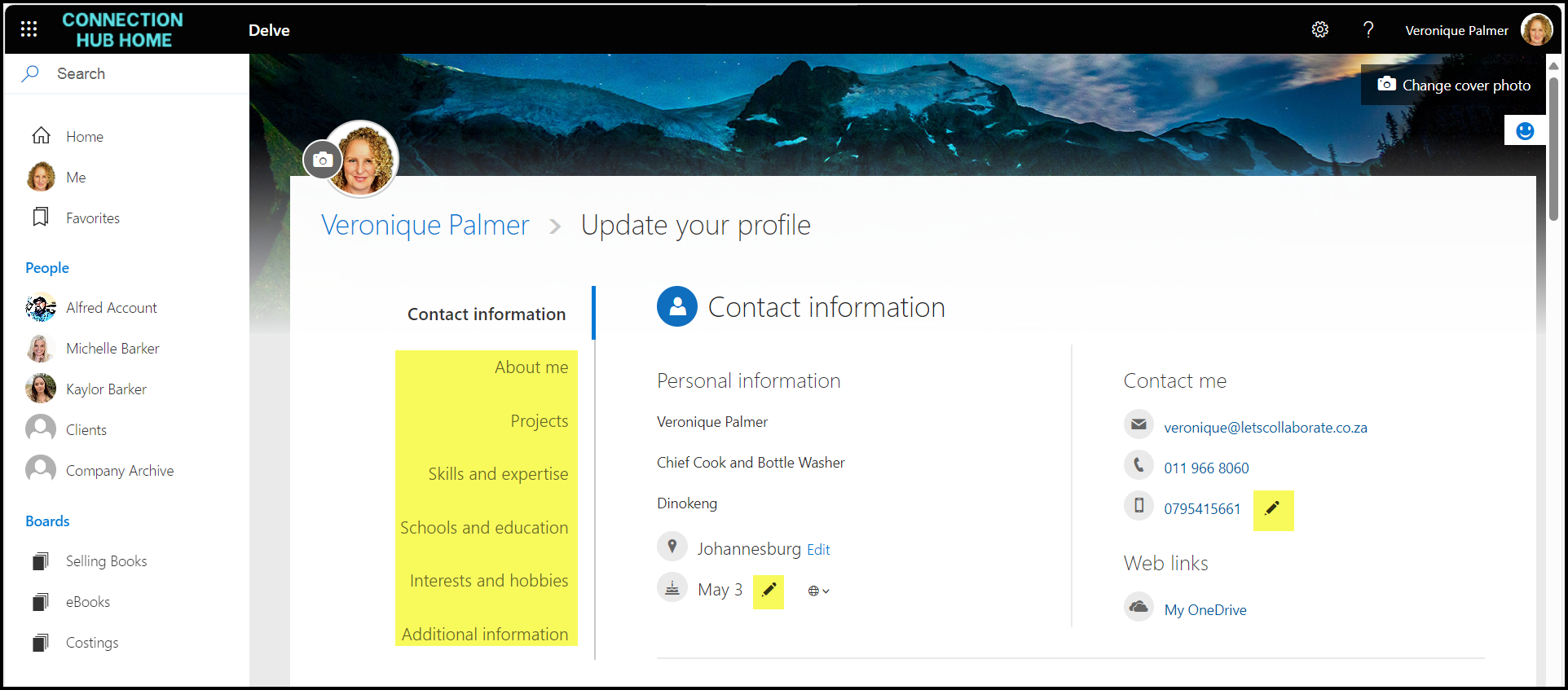
HOT TIPS
When you put details into your profile, it shows up in the SharePoint search results. You can use this to your advantage to be positioned as a subject matter expert in your business. You never know when a senior executive needs someone urgently for an impromptu project – and you’ve got those skills. It could change your career trajectory overnight. Keep ALL your social media profiles up to date, in Delve as well as LinkedIn, Facebook, Twitter etc.
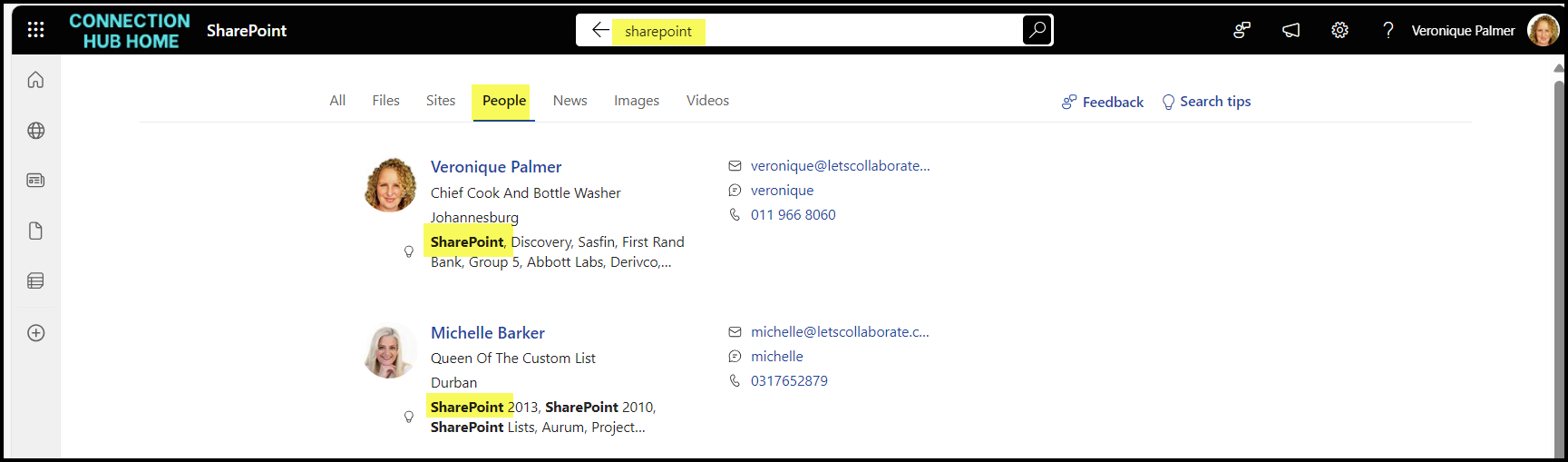
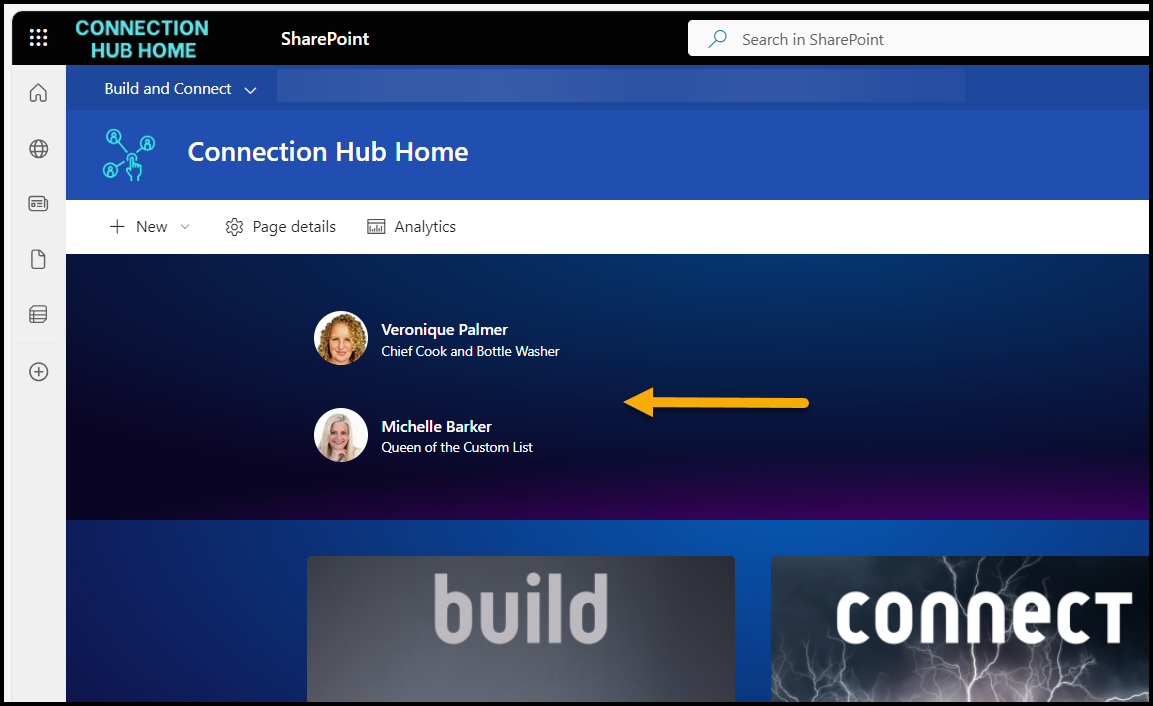
These details also show up in the People webpart in SharePoint pages, a feature that gets used a lot! People are funny about their job titles being right, that needs to be updated in AD.
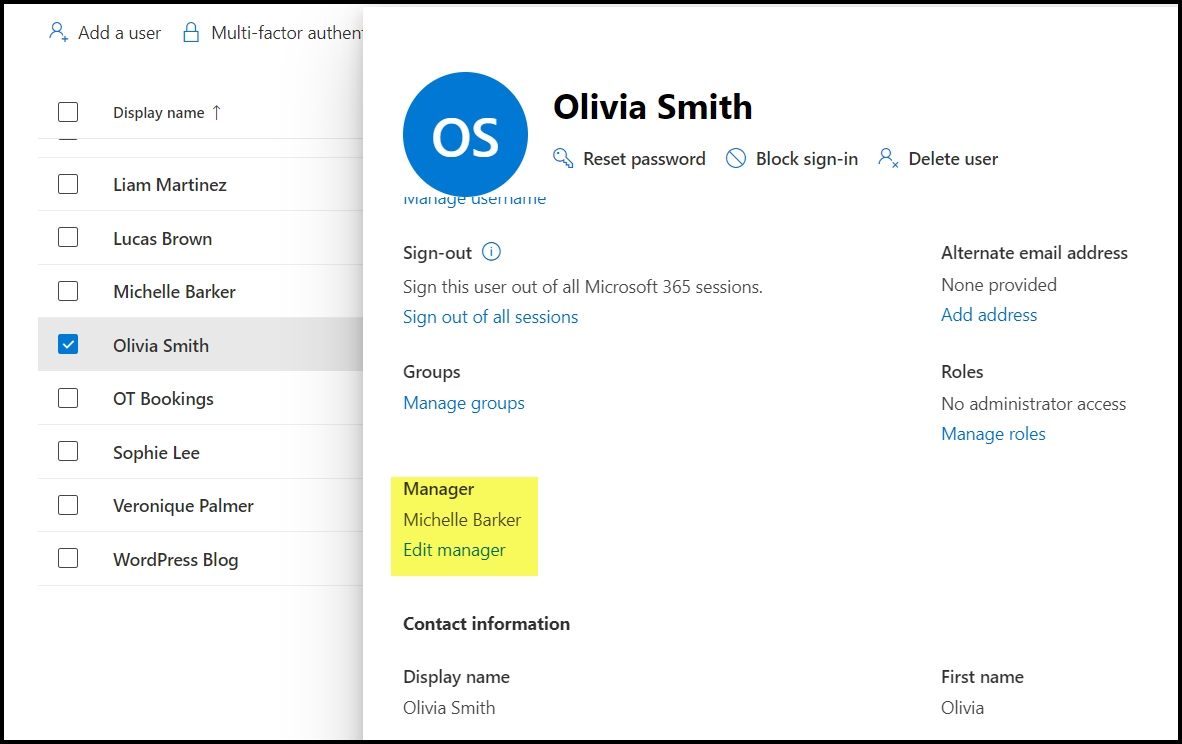
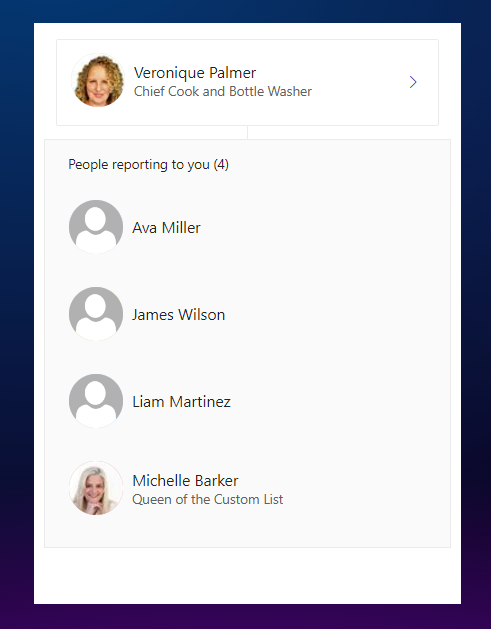
Another place the user profiles get used in the org chart – it’s not that great, but for that to work, the manager field must be completed.
 Views from Veronique