
You can use site templates, library and list templates.
SITE TEMPLATES
When you create a new SharePoint site, you can apply some pre-defined templates from Microsoft. These are super handy if you’re new to SharePoint and don’t have great design skills. You can just replace the sample content provided with your own content.

Click on the template you want, then Use Template and follow the prompts.

Edit the site as required.
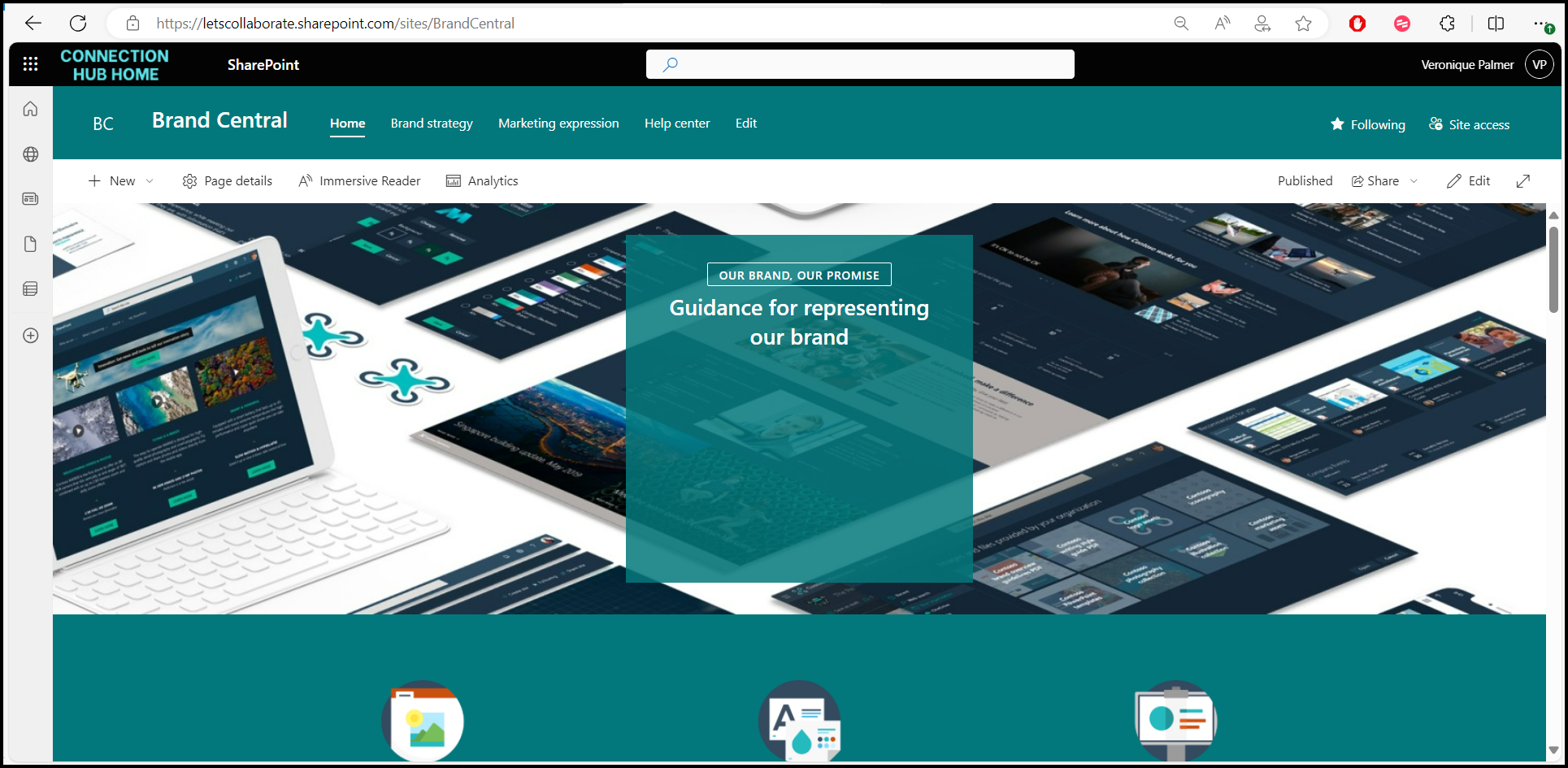
It adds content to the site, you can edit / delete it from site contents.
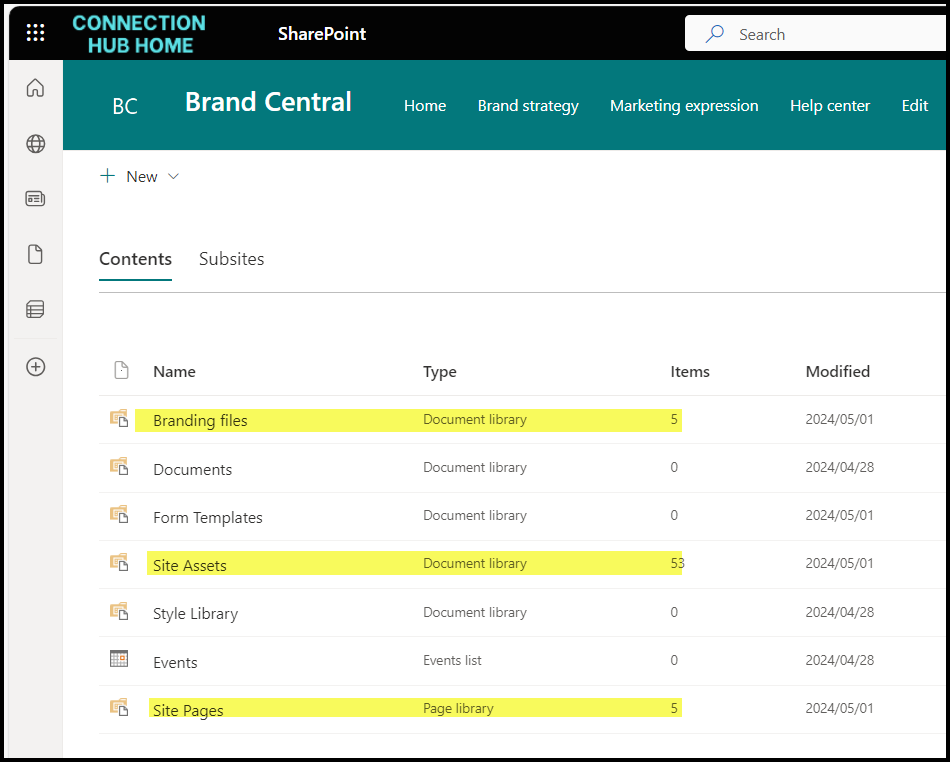
DOCUMENT LIBRARY TEMPLATES
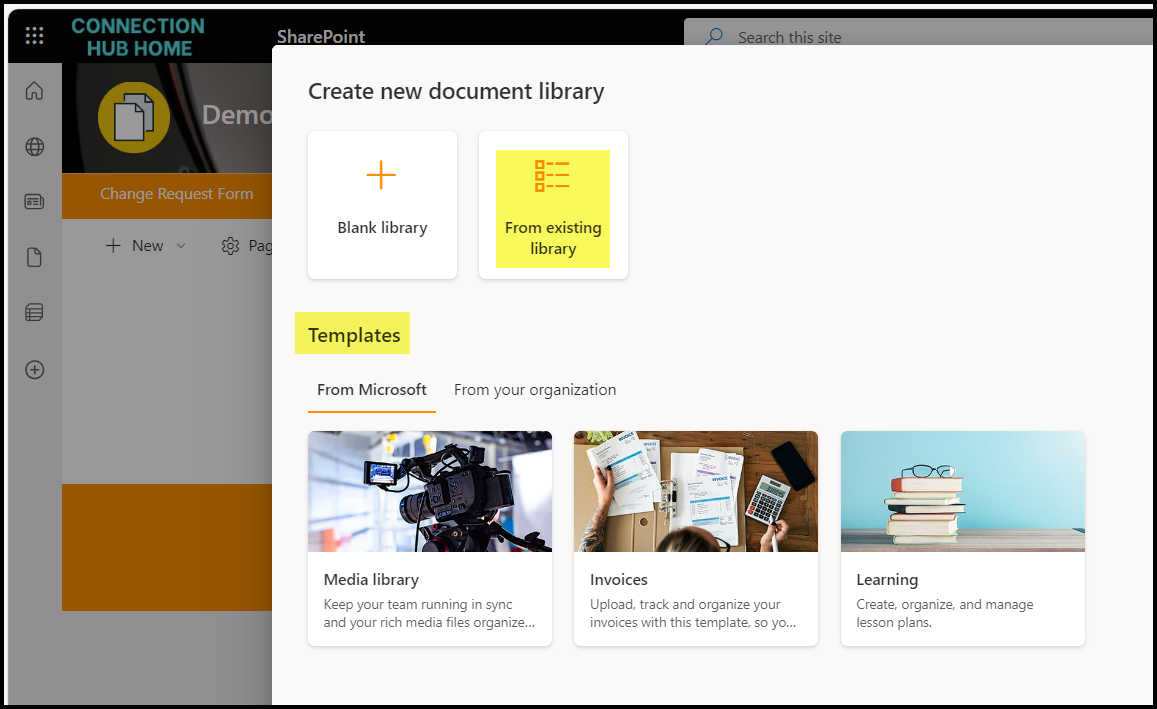
You can also create Document Libraries from templates, either existing document libraries of your own, or from Microsoft.
HEADS UP
It does work with metadata and views, whatever was in the source library will pull through to the new library.
It does not work with folders. If you create a library from a library that does have folders, the folders do not get created in the new library.
It does not pull through content types. It will pull through the columns in the content type, but not the content type itself.
It does not pull through unique permissions. The new library will have the same permissions as the parent site.
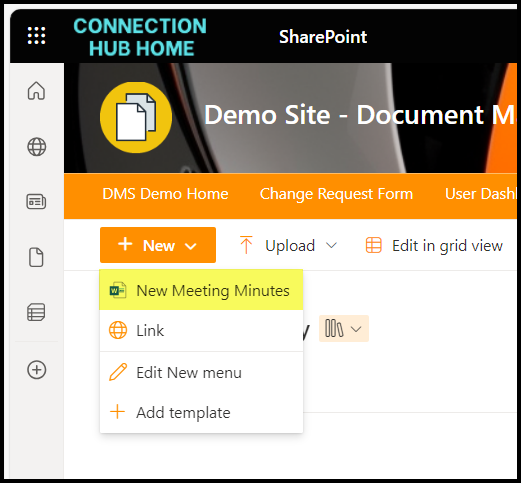
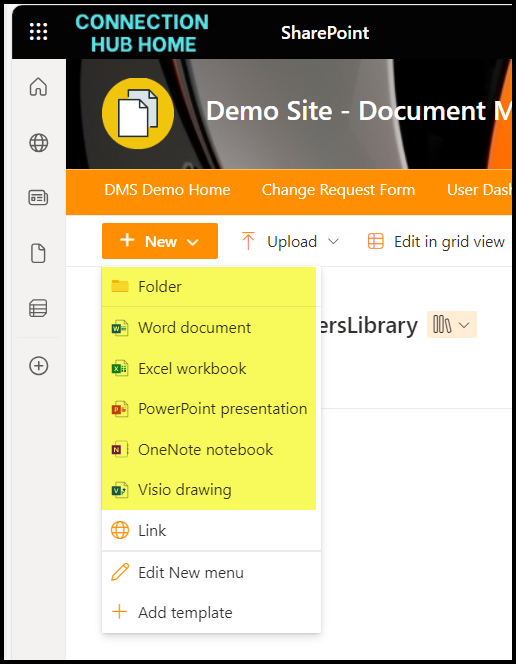
It does not pull through changes you made to the New menu. So if you’ve deactivated folders, for example, taken off all the options to create Word, PowerPoint, Excel etc docs; and added a template for people to select – none of those pull through to the new library.
LIST TEMPLATES
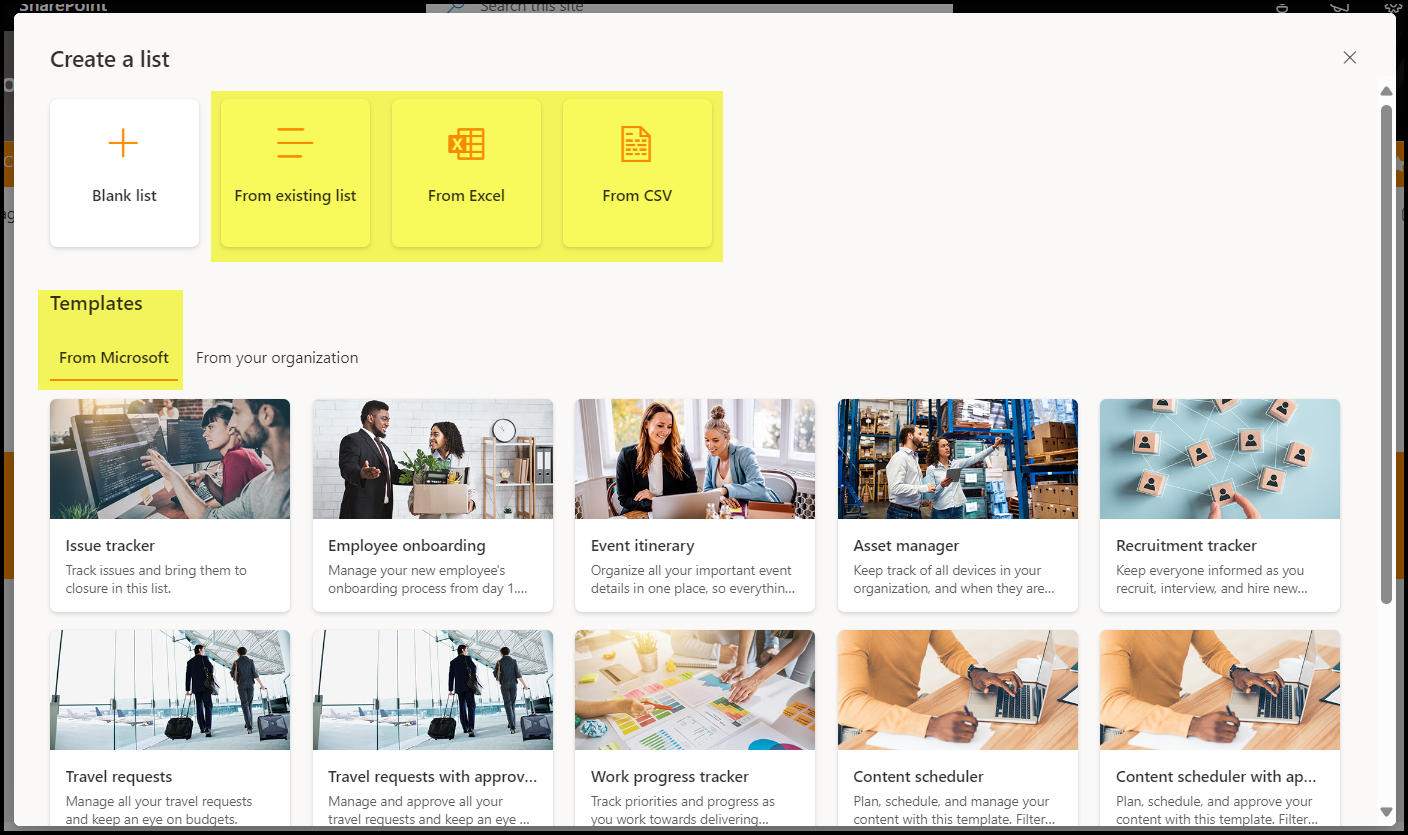
Like libraries, you also get a set of options to create lists.
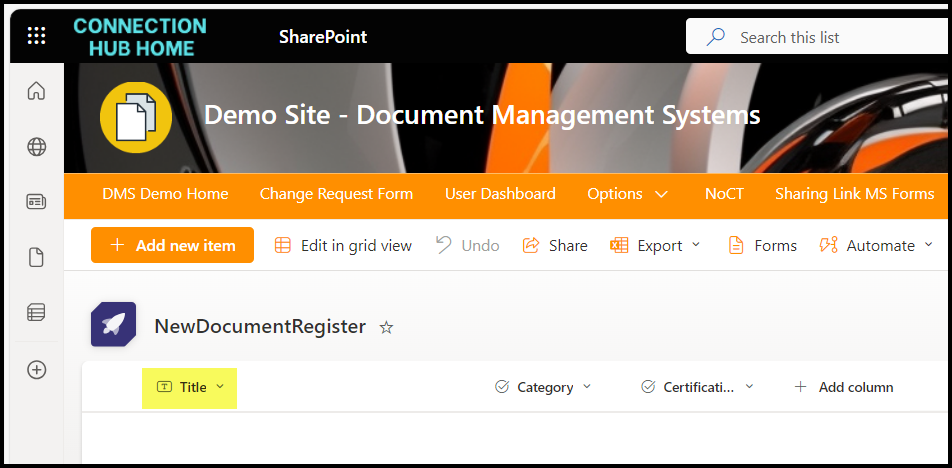
The Title field does not pull through, go fix that after the list has been created. The views do pull through.
 Views from Veronique
And…there are document templates.
Great series, BTW!
LikeLike