
When you insert an image into a page, and switch on the option to add text over the image; you now have more editing options!

An editing pencil appears on the overlay, click it to change the style.

You can change the font size and colour, and box colour and transparency.
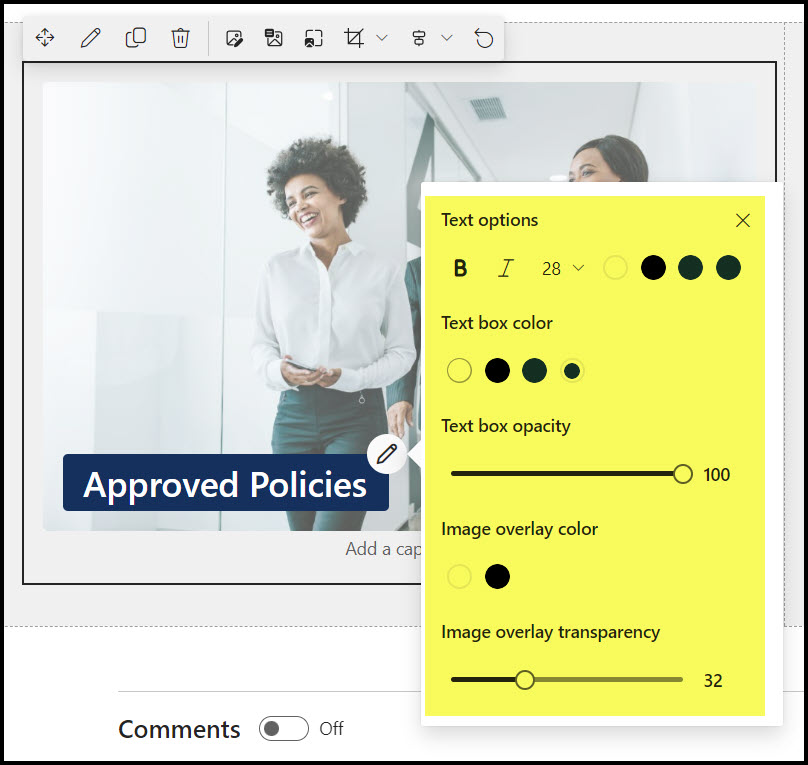
You can also move the box around the image. Put your cursor at the front of it and drag it where you want it.

Happy playing!

 Views from Veronique