
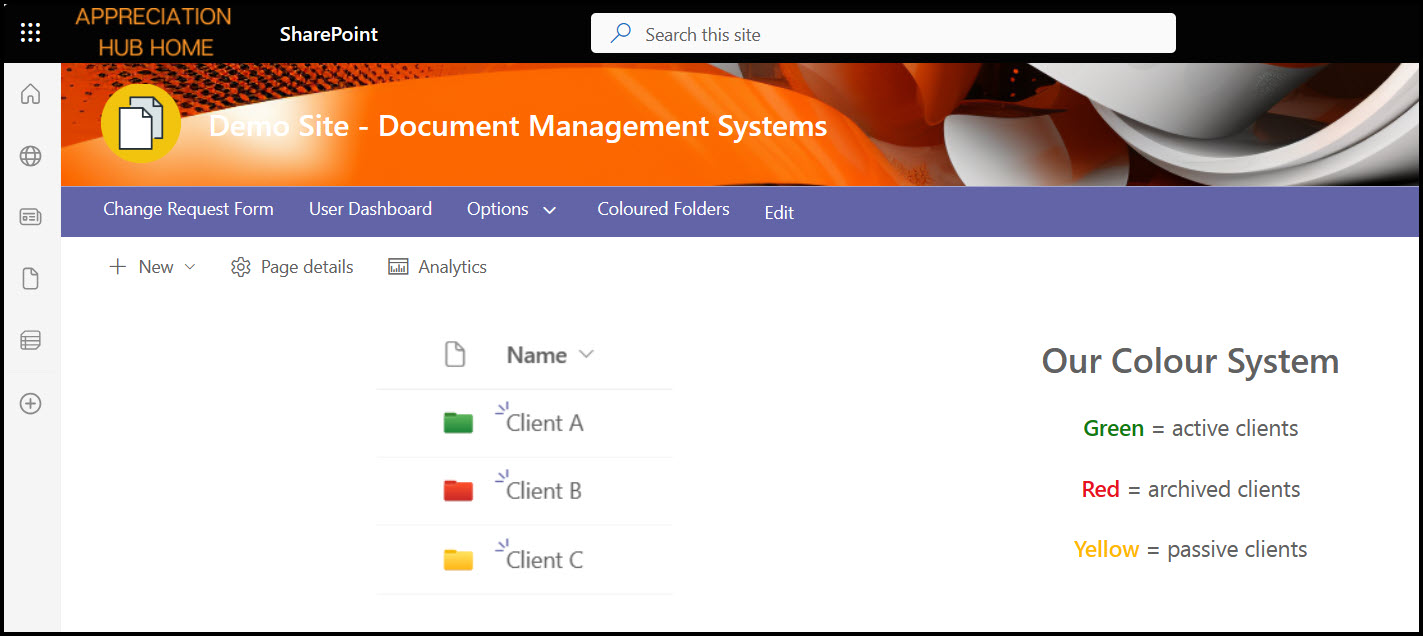
You can now jazz up your folders by assigning different colours to them in SharePoint and OneDrive.
When you create a new folder, it will automatically bring up the colour options.

You can also change the colours once they are created by clicking the … next to them.

It doesn’t display the colours in Quick Edit view.

What could you use them for? Different priority information, different clients, different timeframes, regions, consultants, etc.
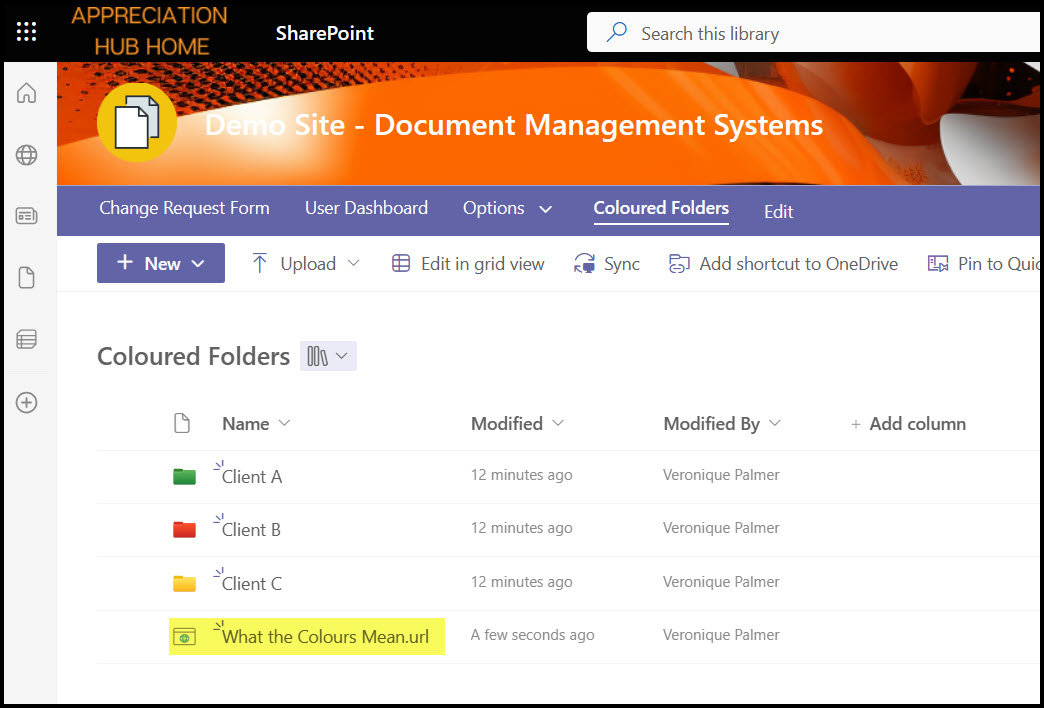
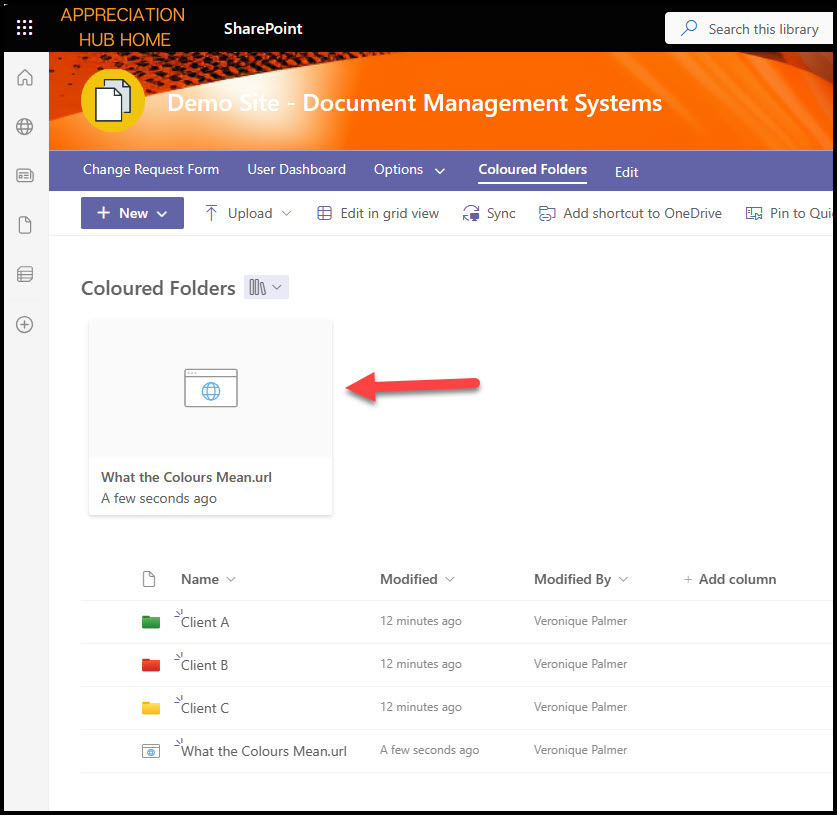
If you are doing this in SharePoint, consider putting in a code for people to understand the colours, then link it back to the library. Pin the link if you like.
 Views from Veronique
[…] Coloured Folders in SharePoint and OneDrive […]
LikeLike
No. 🙂
LikeLike
Is there a way of turning off the colour option in a document library?
LikeLike