
You may or may not know that there are different versions of SharePoint. We are on modern SharePoint, but there used be something now called classic SharePoint. Anything in SharePoint Online is in modern by default.
There are many reasons why you would need to bulk edit metadata, especially when you’re migrating content in from other sources. Sometimes though, the modern experience gets glitchy and it doesn’t populate data properly; so you spend a lot of time re-entering data you already captured.


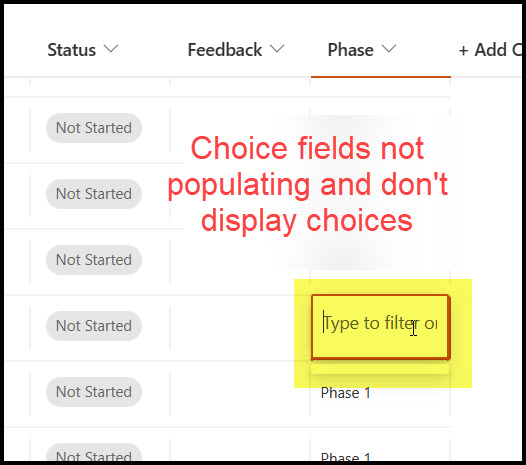
Any time we have a lot of metadata to capture, we push the list or library back into classic mode and work from there. It is 100% stable and you can see the fields properly.
To switch the experiences, in modern, go to Settings > List / Library Settings > Advanced Settings.
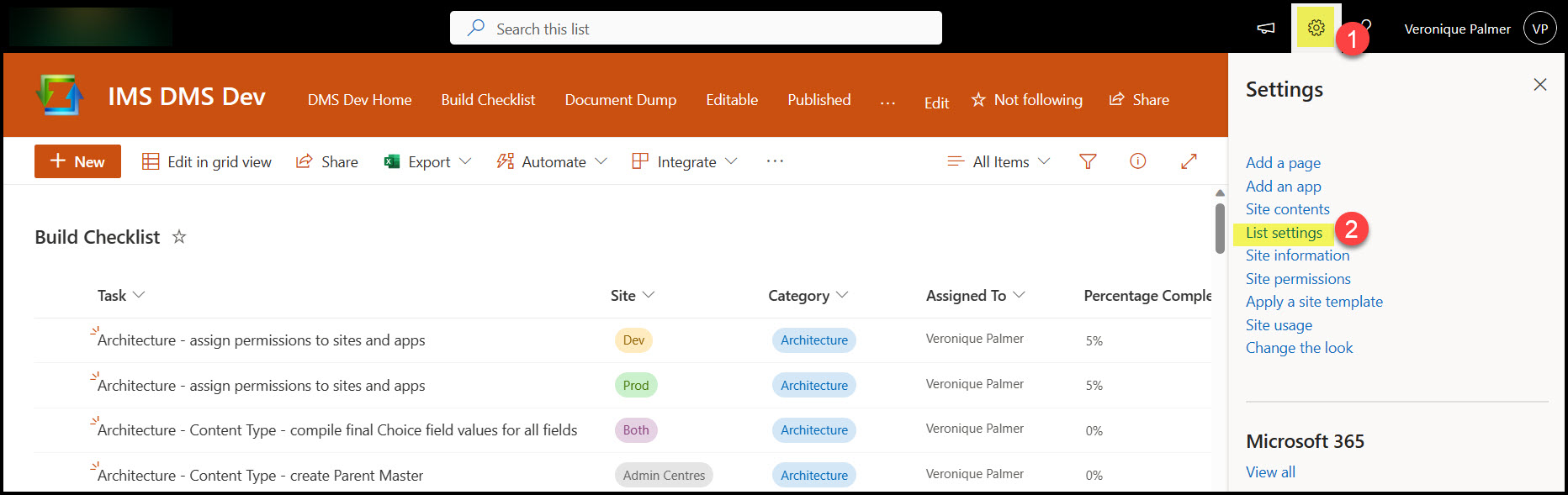
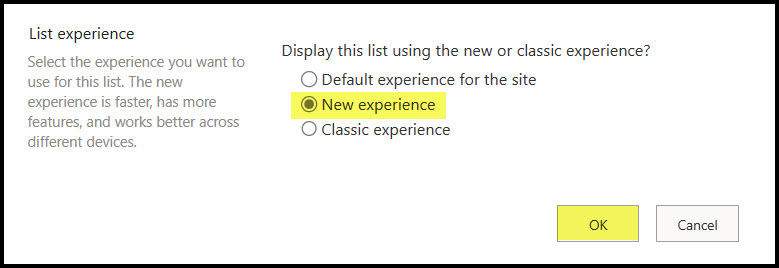
Scroll all the way to the bottom. Change the setting to classic experience.
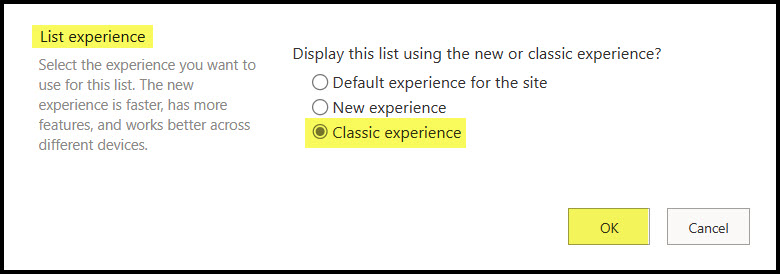
The experience will then change from this :

To this :
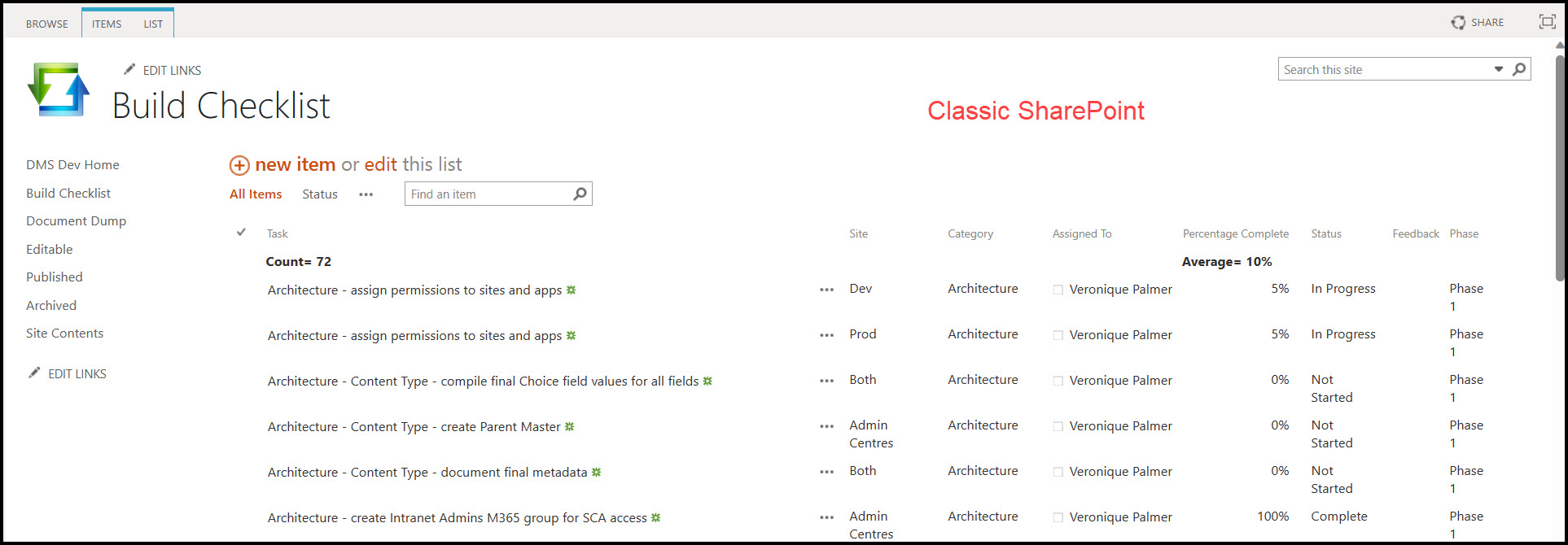
You can then click on Edit this list / library to bulk edit metadata without any issues.

When you’re done editing, click Stop on top.
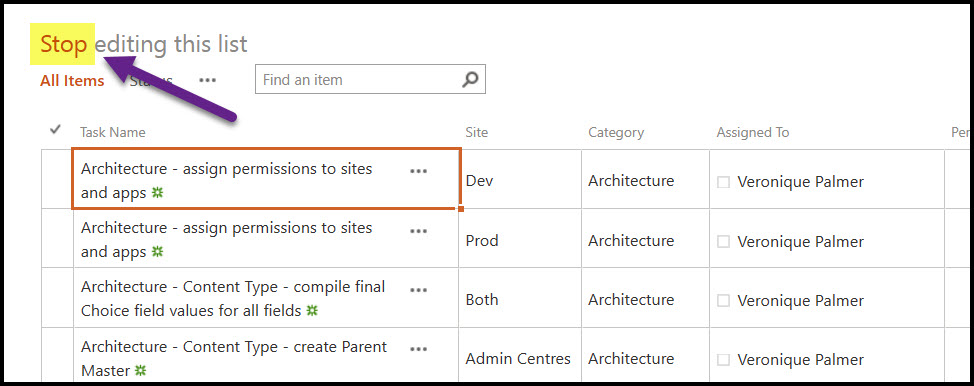
Then you can switch back to the modern experience when you’re done.
Click on List / Library on the ribbon, the List/ Library Settings.

Back to Advanced Settings.
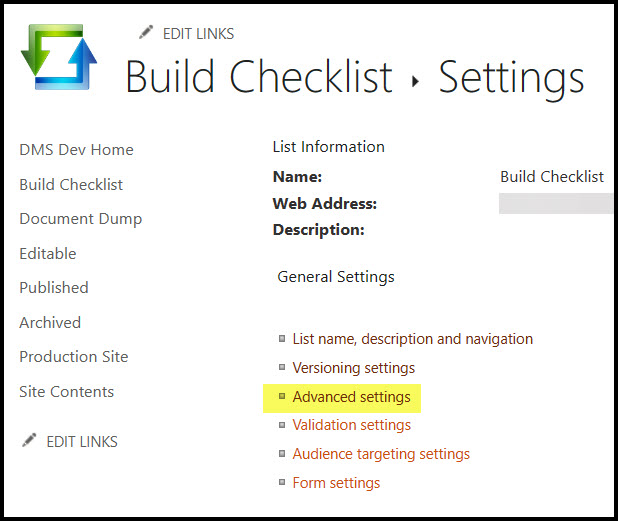
Scroll to the bottom and flip the switch back to New Experience.
This will save you loads of frustration. Happy editing.


[…] Bulk Editing Metadata Productivity Tip for SharePoint Lists and Libraries […]
LikeLike