
When you click “contact us” emails anywhere in a browser, are the links taking you to a blank new browser tab instead of Outlook? Easy to fix.
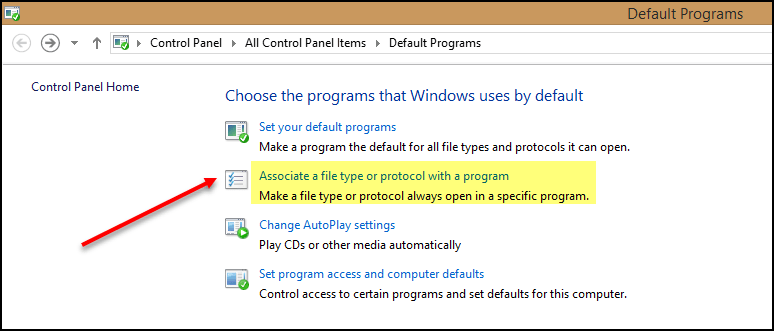
Search for Default Programs on your PC, then click on Associate a File Type or Protocol with a Program.
Scroll down (a long way) till you find “mailto”. Then click Change Program.

Change it to Outlook and click close.

Easy peasy.
 Views from Veronique
Thanks a lot for providing this information
LikeLike